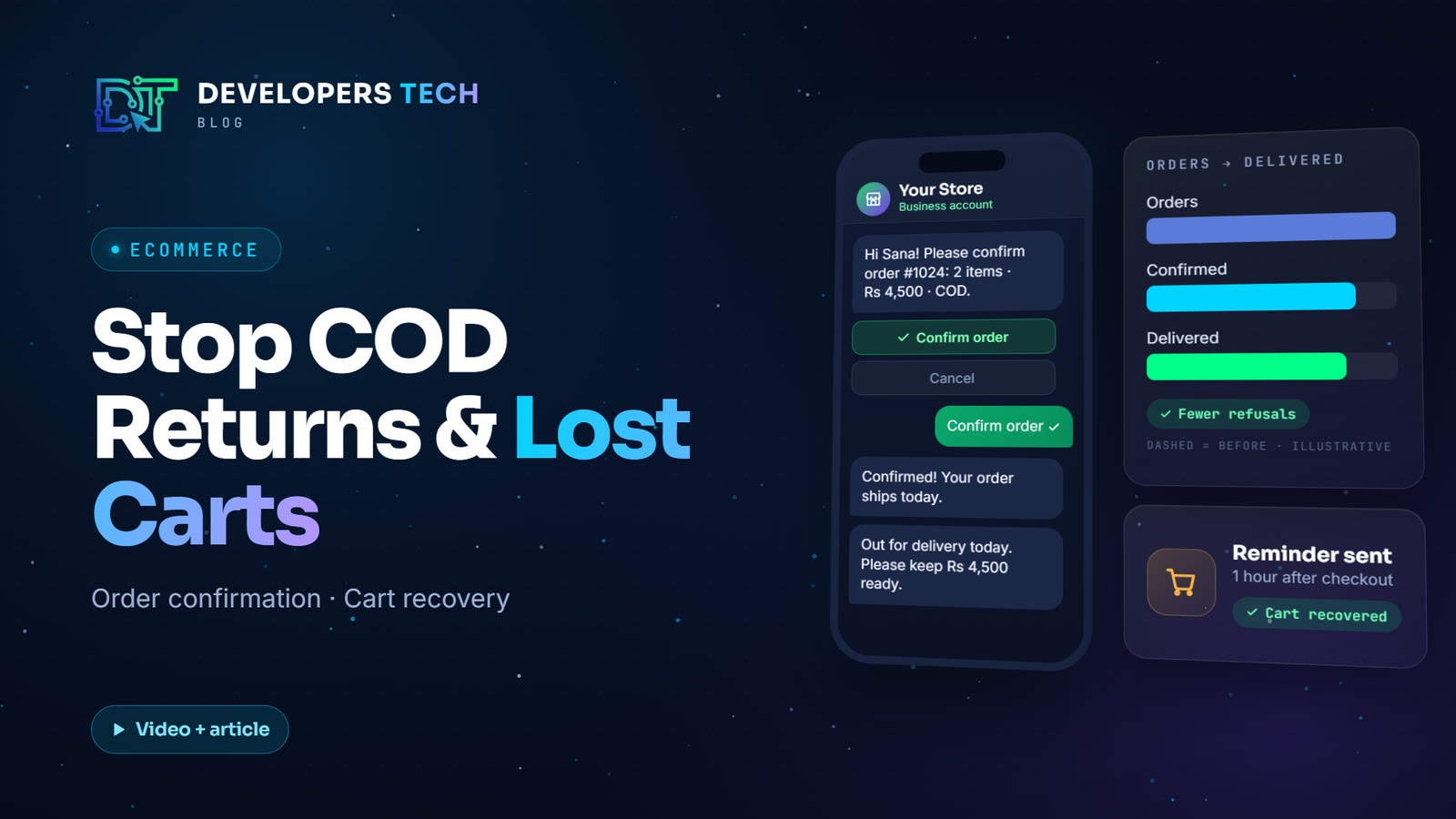
Missed Messages Are Missed Sales: How AI Chatbots and WhatsApp Automation Help Small Businesses
Customers expect a reply within minutes, at any hour, on WhatsApp, Instagram and your website. Here is how small businesses can use AI chatbots and simple automation to answer common questions instantly, capture leads and hand real conversations to the team.
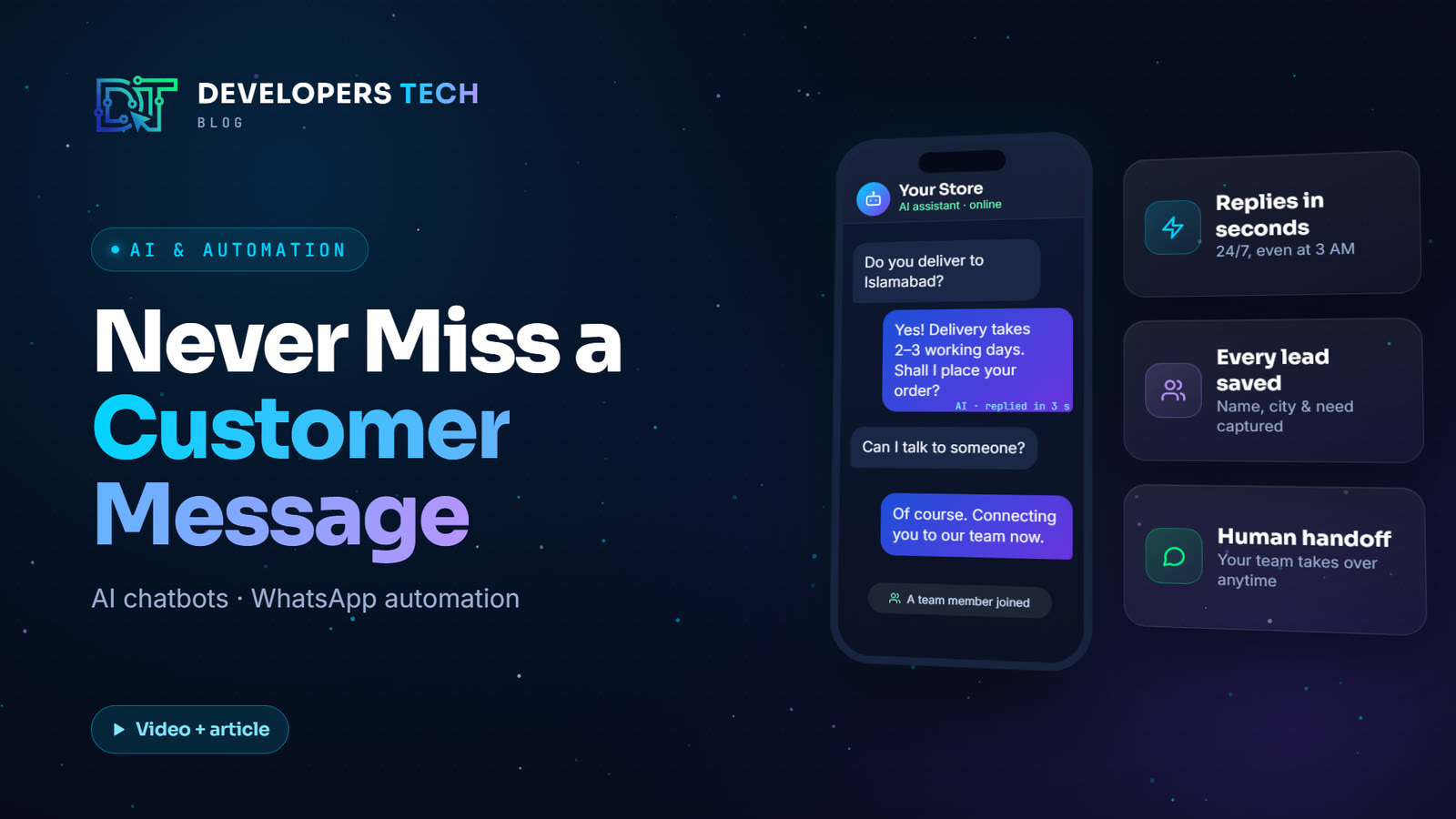
"Price?" "Is this available?" "Do you deliver to Islamabad?" If your phone fills up with the same questions every day, you already know the problem. Replies get delayed, messages get buried, and by the time someone answers, the customer has already bought from the shop that replied first.
Customers now expect quick answers on the apps they already use, especially WhatsApp. You no longer need a big support team to give them that. A well-built AI chatbot, connected to the right information, can handle routine questions in seconds and pass everything else to a person.
What a good business chatbot actually does
- Answers common questions instantly: prices, timings, delivery areas, services and return policy.
- Collects the details you need from a new lead: name, city, budget and requirement.
- Shares order or booking status by looking it up in your system.
- Books calls or appointments straight into your calendar.
- Hands the chat to a person, with the full conversation, when the question is complex or the customer asks for it.
Where it fits
- WhatsApp, through the official WhatsApp Business Platform, so your number stays verified and messages are delivered reliably.
- Your website, as a chat window that answers questions and captures enquiries.
- Instagram and Facebook messages, so DMs never go unanswered.
How to set it up the right way
A chatbot is only as good as the information and rules behind it. These six steps make the difference between a bot customers like and one they avoid.
1. Start with your top questions
List the 20 questions you answer most often, with the exact answers. This becomes the chatbot's knowledge base. Keep it accurate, and update it whenever prices or policies change.
2. Connect it to your real data
A bot that can look up an order, a booking or stock levels is far more useful than one that only repeats an FAQ. Connect it to your online store, your CRM or even a simple Google Sheet.
3. Always offer a person
Make "talk to someone" easy. The bot's job is to save time on routine messages, not to stand between you and your customers.
4. Follow WhatsApp's rules
Use the official platform, get the customer's permission before sending updates or offers, and use approved message templates when you message someone outside the 24-hour customer service window. This protects your number from being restricted.
5. Protect customer data
Store conversations securely, collect only what you need, and never ask for passwords or card details in a chat.
6. Measure and improve
Track response time, how many chats the bot resolves, how many leads it captures and where customers drop off. Improve the answers every month.
Common mistakes to avoid
- Long menus of numbered options that frustrate people.
- A bot that makes up answers because it isn't limited to your own information.
- Unofficial WhatsApp tools that can get your number banned.
- Bulk messages to people who never agreed to hear from you.
How Developers Tech can help
- WhatsApp Business Platform setup with a verified business profile.
- AI chatbots trained on your own services, prices and policies, for WhatsApp, your website and Instagram.
- Integrations with your store, CRM, Google Sheets or booking calendar.
- Lead capture flows, message templates and a simple dashboard to see every conversation.
Watch the short video in this post for a quick summary. Want a chatbot that answers your customers while you sleep? Book a free call at https://developerstech.qzz.io/contact.html, message us on WhatsApp at +92 323 0705230, or email developerstechpk@gmail.com.
Videos 1
AI chatbots in one minute: how to answer customers instantly on WhatsApp and your website without losing the human touch.